
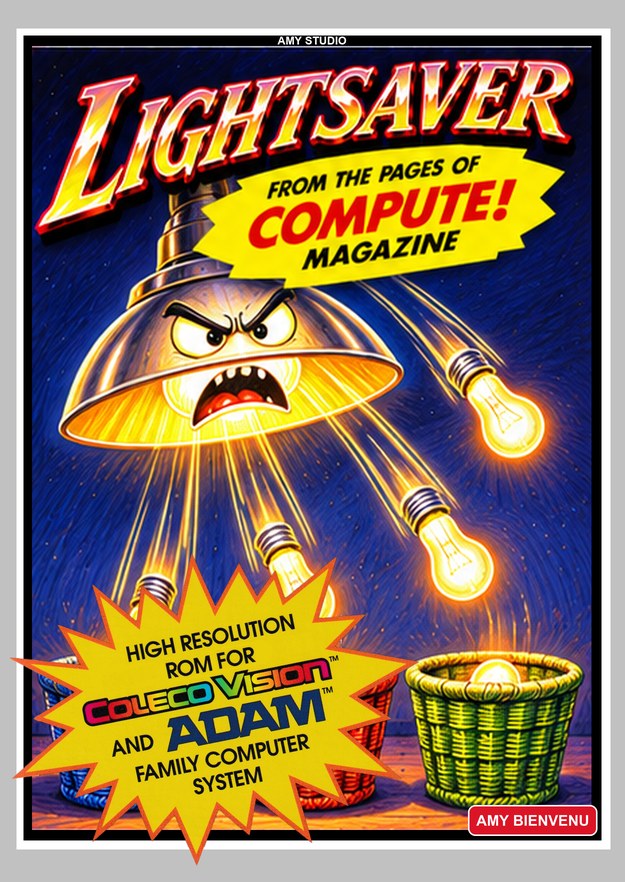
Box Art
ROM Download
Download ROM
068 - Lightsaver - by Jon Rhees - COMPUTE! - September 1984.rom
🎮 Play Online
MUST MAP KEYS ON FIRST PLAY
Game Information
Publisher:
NewColeco/Amy Purple (Bienvenu)
Developer:
NewColeco/Amy Purple (Bienvenu)
Release Year:
2026
Category:
Homebrew
Players:
1 Player
Publisher Catalog #:
COMPUTE-068
Box Type:
ROM Only
ROM Size:
8KB ROM
Controls:
Standard Controller
Features:
96 COMPUTE! Magazine Programs #068
Description
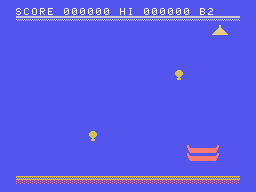
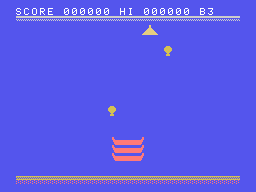
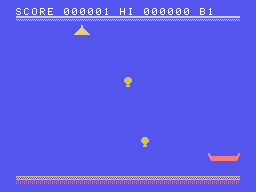
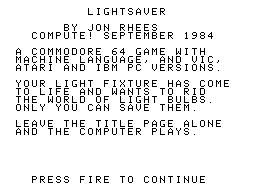
A light fixture has come to life and is trying to rid the world of light bulbs by throwing them to the ground. Catch them in a stack of three baskets. Each miss costs a basket and a bonus one comes every 2000 points, up to three. Sixteen skill levels raise the speed and the points, there are two basket sizes, and the computer plays a demo if you leave it alone.
Controls: Left and right move the baskets; fire starts a round.
ColecoVision version credited in the project source to Amy Bienvenu, 2026: a port of the published listing. From COMPUTE! magazine, September 1984, pages 20: original program by Jon Rhees; VIC-20 by Gregg Peele, Atari by Chris Poer, IBM by Tim Victor. Published for Commodore 64, VIC-20, Atari, IBM PC/PCjr. This is a modern homebrew adaptation, not a commercial Coleco release. Amy Studio's project documentation acknowledges AI assistance in its development tools and example cleanup; no AI credit specific to this title was found.
Controls: Left and right move the baskets; fire starts a round.
ColecoVision version credited in the project source to Amy Bienvenu, 2026: a port of the published listing. From COMPUTE! magazine, September 1984, pages 20: original program by Jon Rhees; VIC-20 by Gregg Peele, Atari by Chris Poer, IBM by Tim Victor. Published for Commodore 64, VIC-20, Atari, IBM PC/PCjr. This is a modern homebrew adaptation, not a commercial Coleco release. Amy Studio's project documentation acknowledges AI assistance in its development tools and example cleanup; no AI credit specific to this title was found.
Screenshots (4)
Screenshot 1
Screenshot 2
Screenshot 3
Screenshot 4



